Feature guide · Rehearsals
Turn the catalog
into a plan.
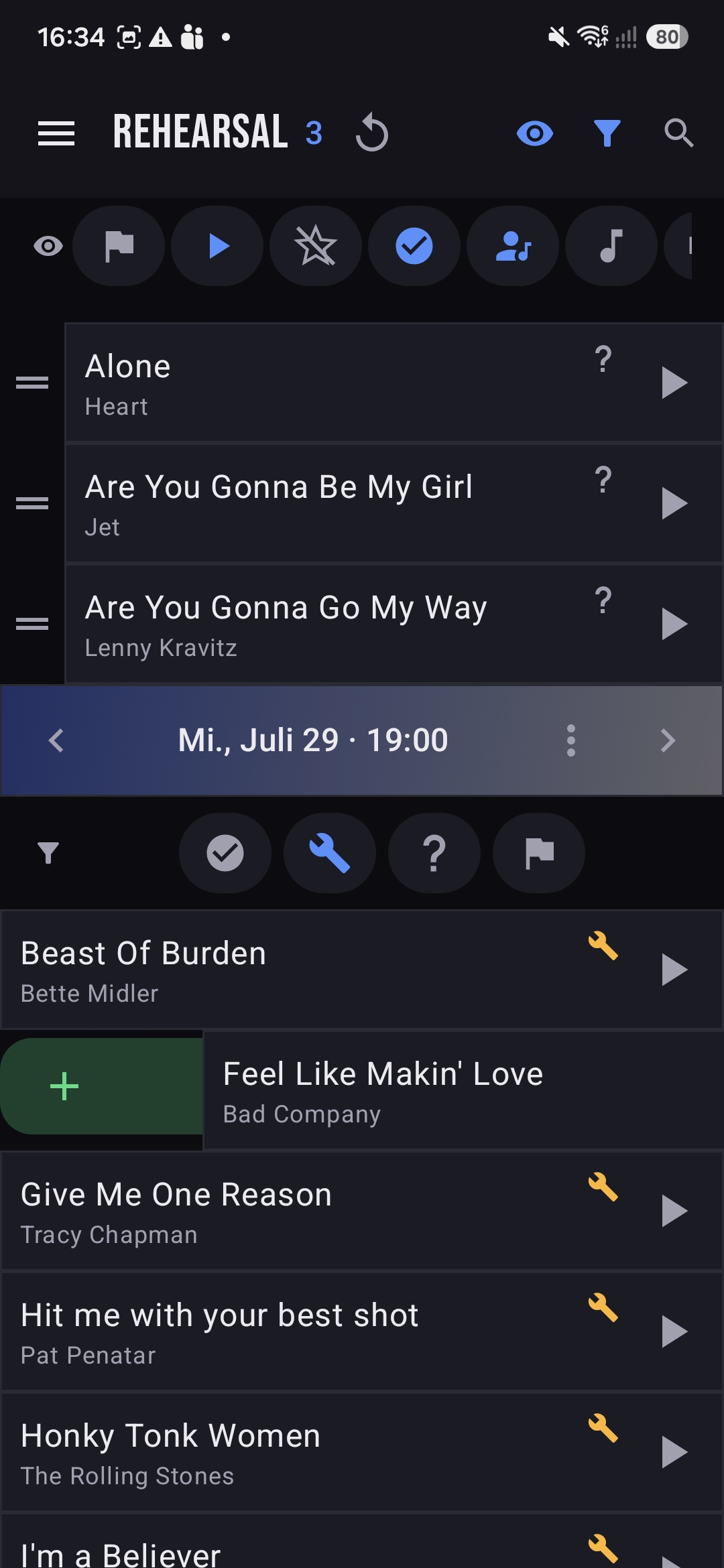
A rehearsal is a dated running order pulled straight from your songs. The bar at the bottom is the date (Mi., Aug. 5 · 19:00); step through past and upcoming sessions with the arrows, and jump to the menu to create, copy, reschedule or clear one.
The setlist
Drag it into the order you'll play.
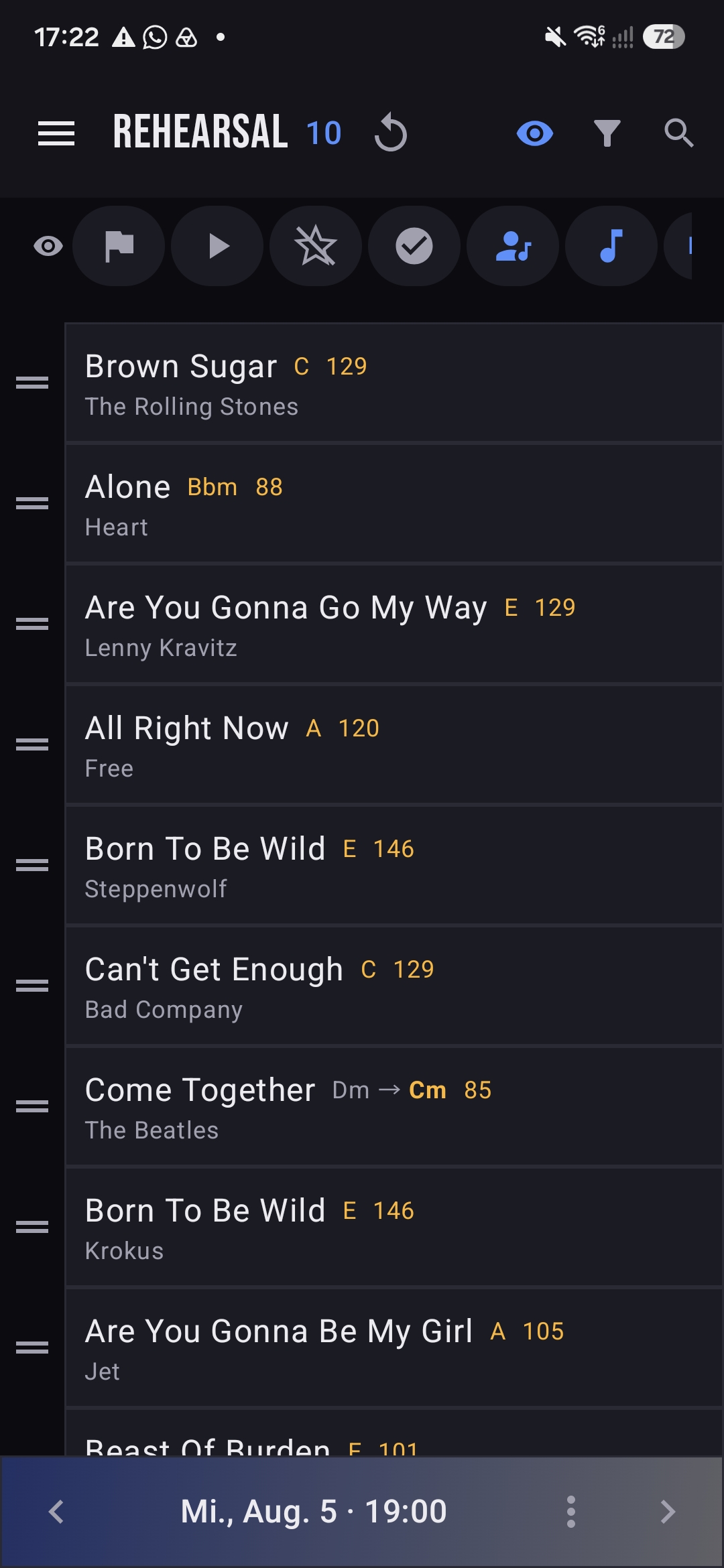
Start from an empty session, then pull songs in from the catalog — the same filters and views you know from Songs. Grab the handle to drag a song up or down, and swipe to drop one that didn't make the cut. The running order carries each song's key and tempo, so the plan is also your cheat sheet.
- +Add from catalog — press +, then tap songs to add them to the session.
- ≡Reorder — drag by the handle to set the exact running order.
- ←Swipe to remove — swipe a song to pull it from this rehearsal.
- ‹›Step between dates — the arrows on the date bar move through sessions.
Who's in the room
Plan around who can make it.
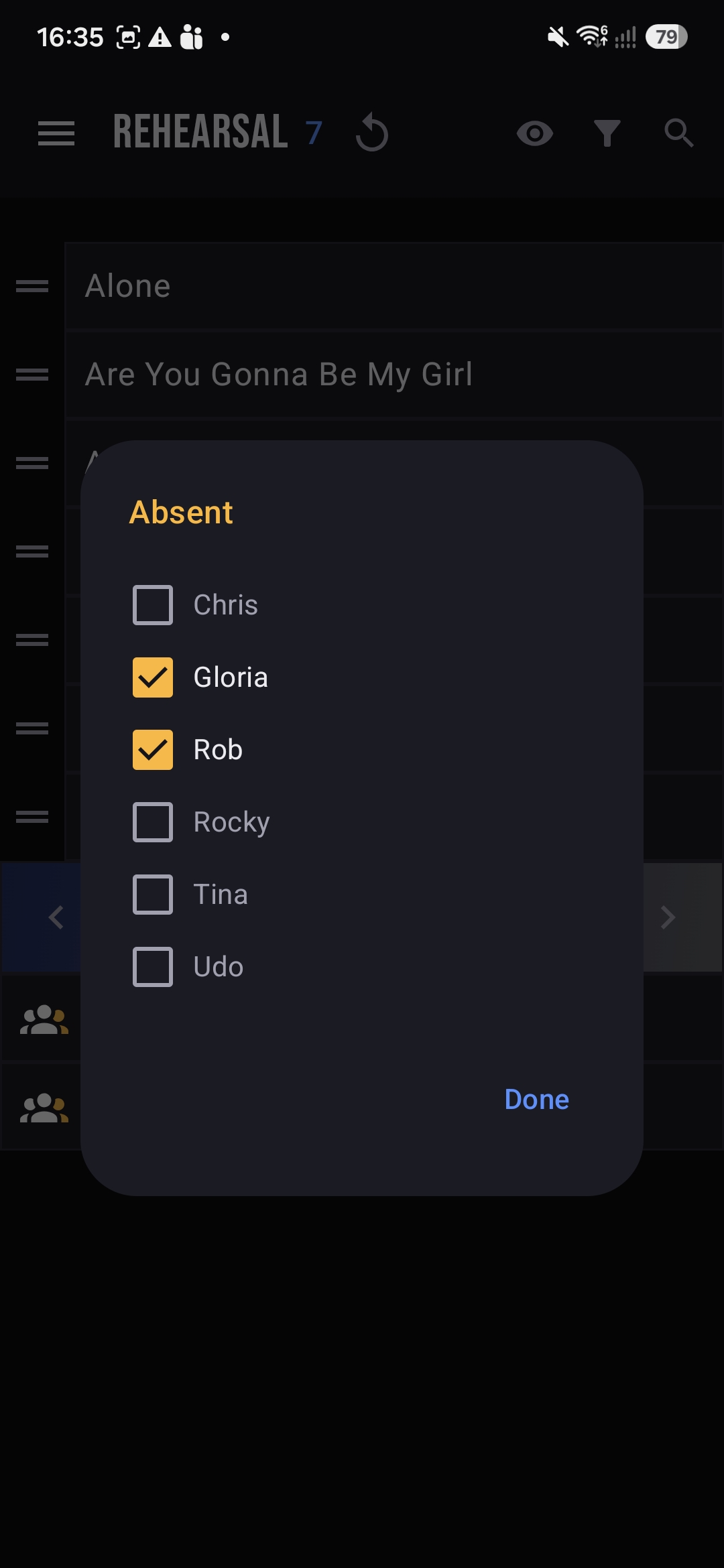
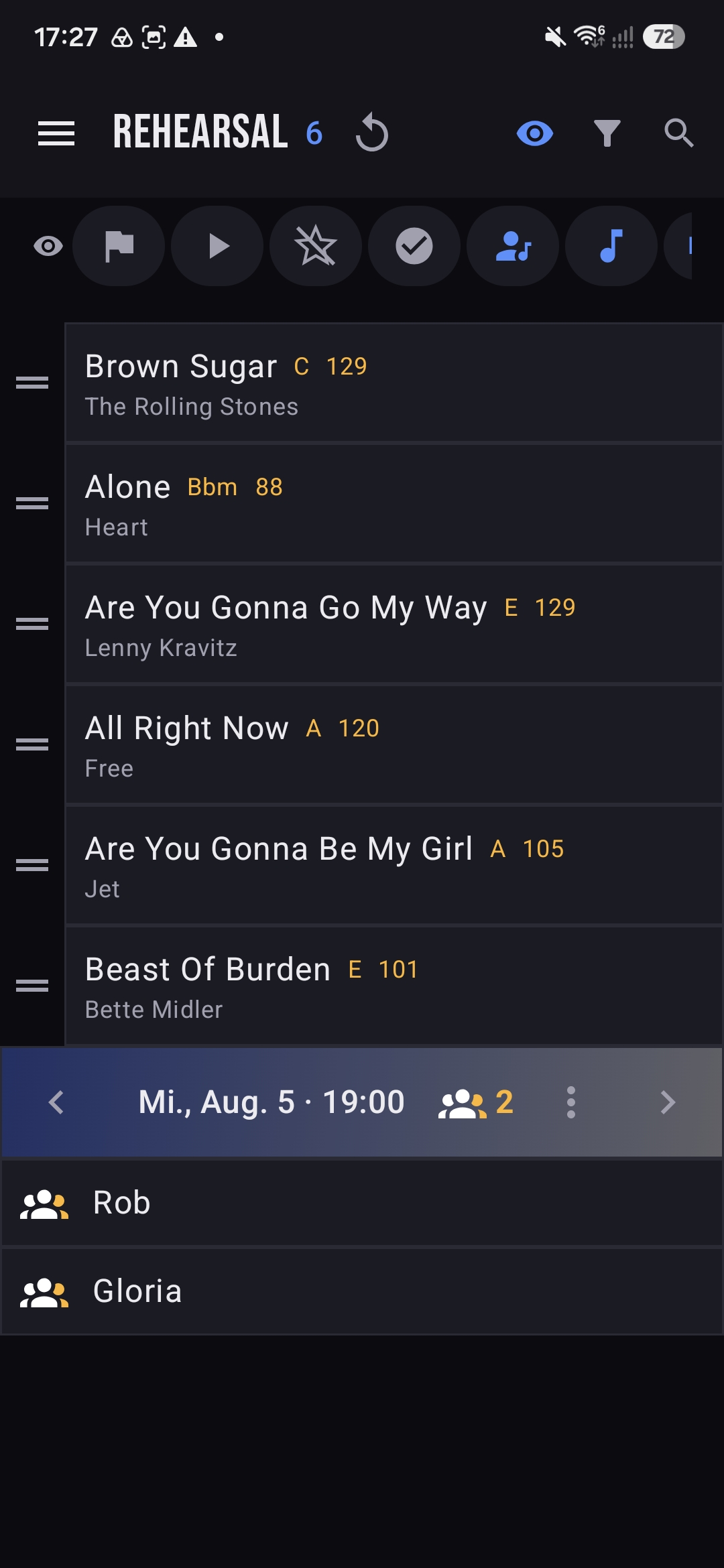
Open the session menu and choose Absent to tick off anyone who can't come. Their names show right on the date bar with a count, so you set a realistic plan — no point rehearsing the three-part harmony when both singers are out.
- ⋮Open the menu — Copy, New, Send email, Absent, Time and Delete all live here.
- ☑Mark absent — tick each member who won't attend, then tap Done.
- 👥See it on the bar — absentees are listed under the date with a running count.
Email updates
Tell the band once, reach everyone.
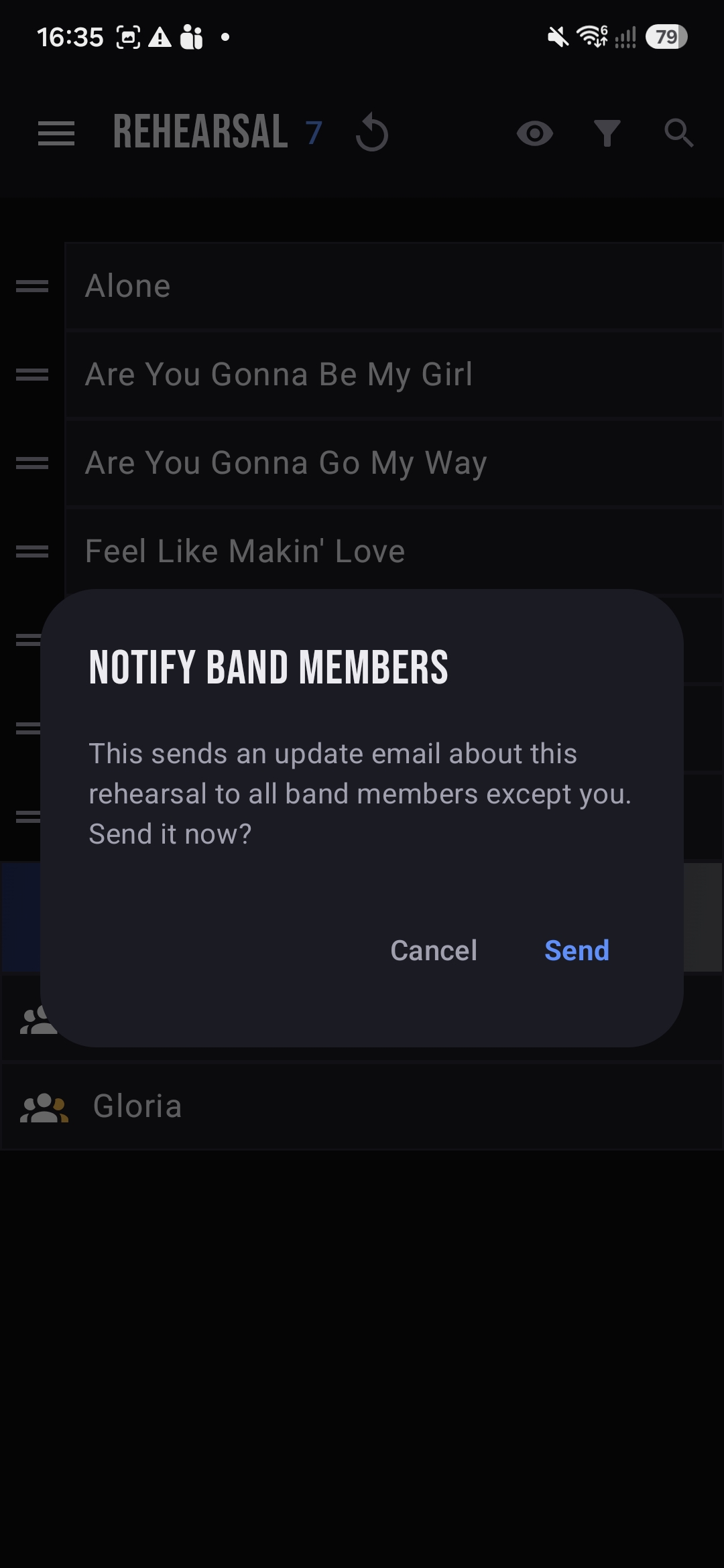
Changed the date, the set or who's away? Choose Send email and BandPilot mails an update to every member except you. They get the new details in their inbox with a link straight back into the app — no separate group chat to keep in sync.
- ✉Send email from the session menu triggers a confirmation before anything goes out.
- ✓Everyone but you gets the note — the app knows it was your change.
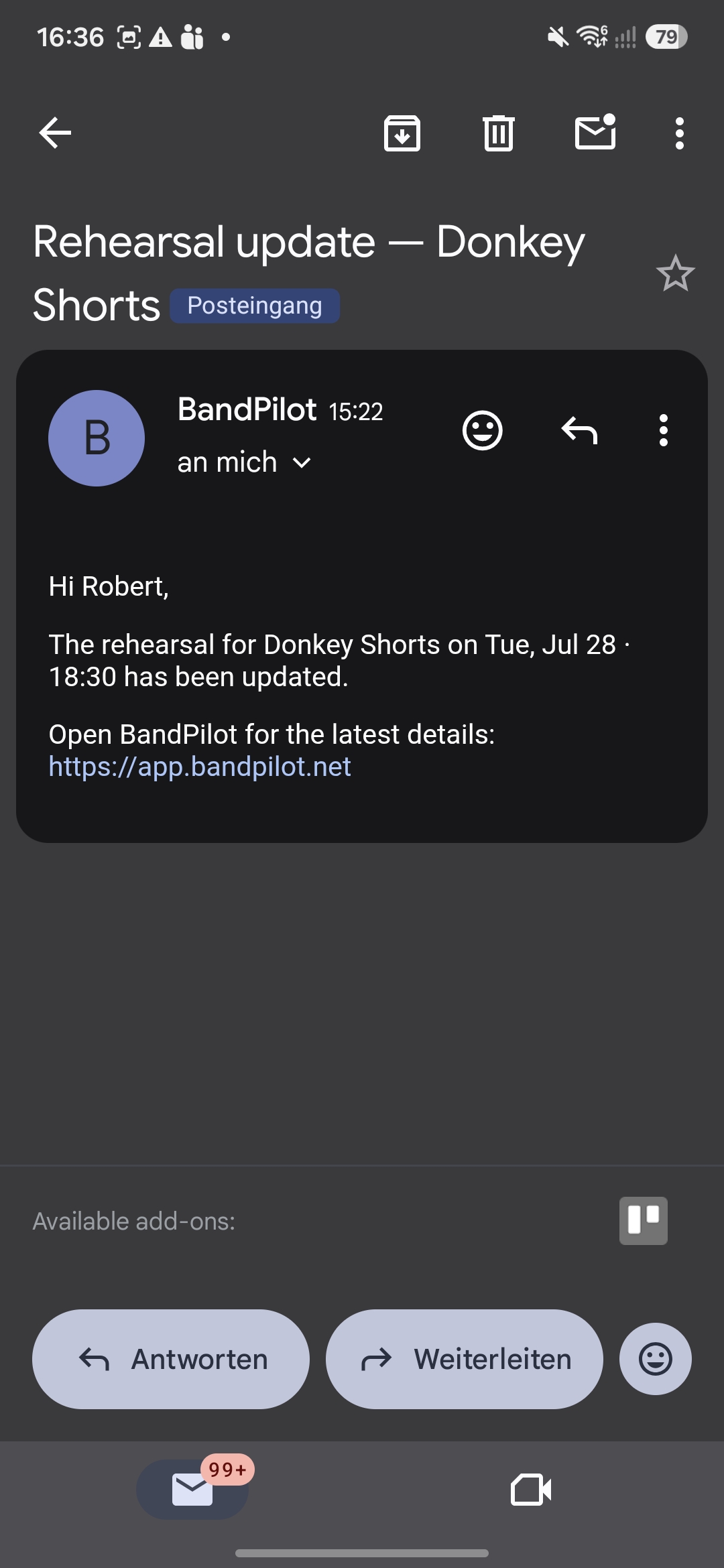
- 🔗Deep link back — the email links to the app so members open the exact session.
What lands in the inbox: a short “Rehearsal update” with the band, date and time, and a link to open BandPilot for the latest details.
Set your band up in minutes.
New to BandPilot? The getting-started guide covers signing in, joining bands and who does what.